1186 Queen Street West, Toronto · evenings and weekdays
Find a start date that fits
Classes and sessions run through the week, with beginner and advanced options in DJ mixing and production. Pick a level, pick a format, and send an enquiry with your preferred slot.
Reading the schedule before you commit
Every track below runs in the same studio on Queen Street West, but they start from different places. A beginner DJ mixing track assumes you have never touched a mixer. A production session assumes you already open a DAW and want better results from it. Sound recording and vocal slots sit apart from lessons entirely and are booked around your project rather than around a term.
Read the four descriptions, decide which one sounds like your current week, then send your preferred days and times. We check the room calendar, confirm what is open, and tell you honestly if a different level would serve you better.
Bring your own music
Headphones and a USB drive are the whole kit
Evenings are on the board
Weekday evenings and Saturday daytime
Levels can move
Tell your instructor and we re-place you where the calendar allows
Beginner DJ mixing
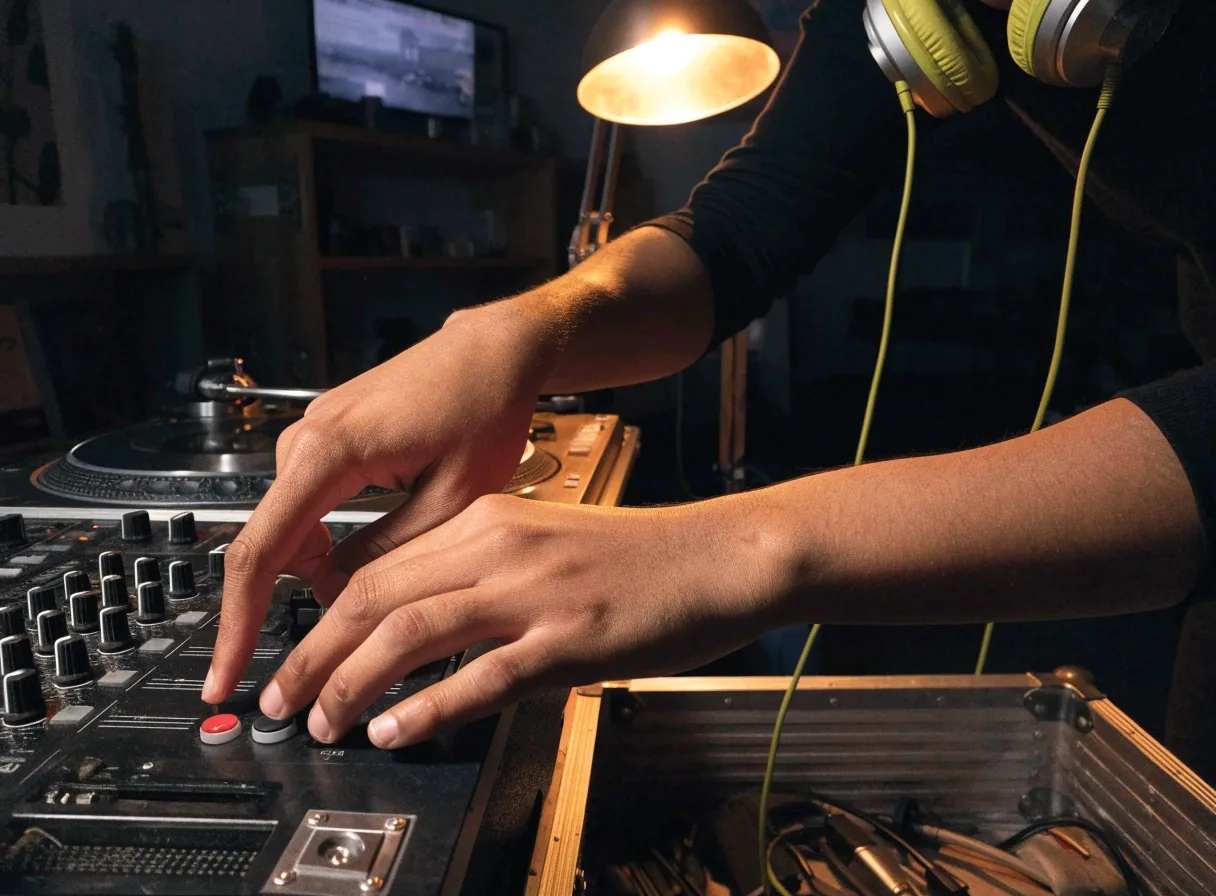
The entry point for anyone starting from zero. Fundamentals first: hearing the beat, cueing, holding a blend, phrasing. No gear or music background required.
Bring headphones and a USB drive with music you like. These beginner DJ lessons typically run across several weeks so you have practice time between sessions, and the early weeks stay deliberately slow — beatmatching by ear is a physical skill and it takes repetition before it feels automatic.
By the end of the track you should be able to hold a mix for a full phrase without watching the screen, and explain why you chose the track you brought in.
Book beginner lessons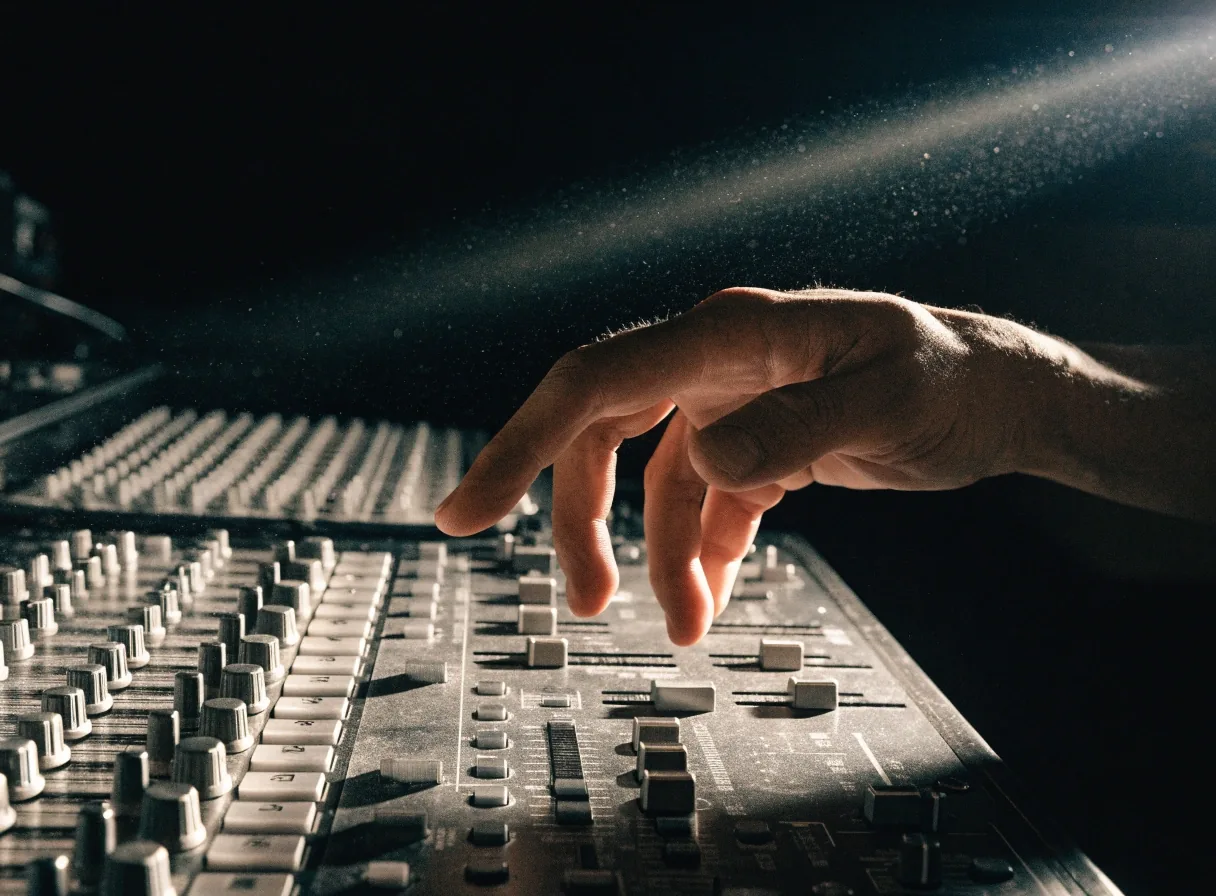
Intermediate and advanced DJ
For DJs who can already mix but want tighter transitions, better energy management, and a library that works. Sessions skip the basics and go straight to phrasing, set construction, and fixing specific habits.
Most people arrive with one or two stubborn problems: transitions that land a beat late, sets that flatten out after twenty minutes, or a library where everything sits in the same tempo band. We record parts of the session, listen back together, and name the habit instead of guessing at it.
Phrasing
Where to bring a track in and out so the blend lands on the count instead of drifting.
Set construction
Building a curve across a full hour rather than playing good tracks in a row.
Your library
Sorting, tagging and preparing tracks so you are not searching while a blend is running.
Habit repair
Naming the one move that keeps costing you a transition, then drilling it until it stops.
Play it in front of someone
Small-group sessions add an audience, which many students want before a first set.
Production and sound design share the room
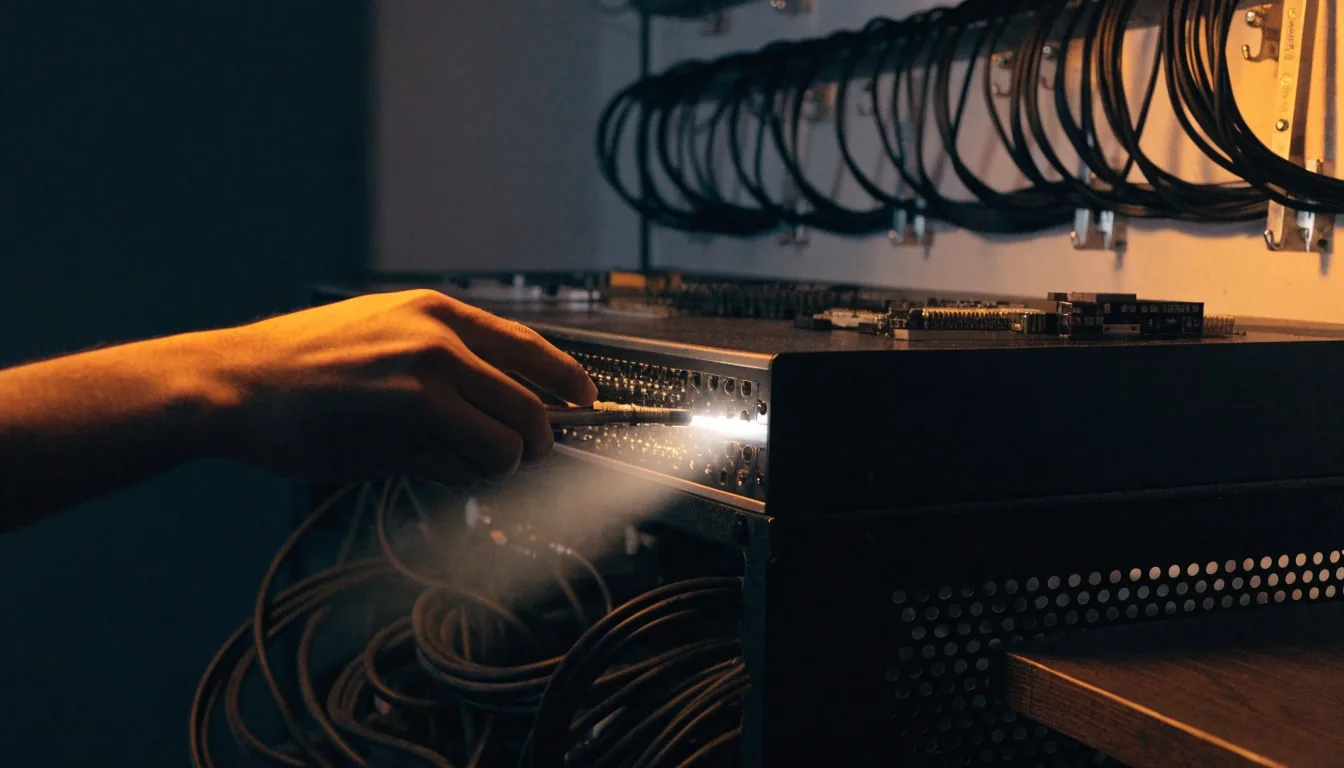
The same space carries lessons, production work and recording sessions through the week.
Music production and sound design
Production sessions cover arrangement, synthesis, sample layering, and processing. Sound design students work on moving past presets and building sounds that fit a genre.
Useful for producers, and for DJs making their own edits.
Ask about production classes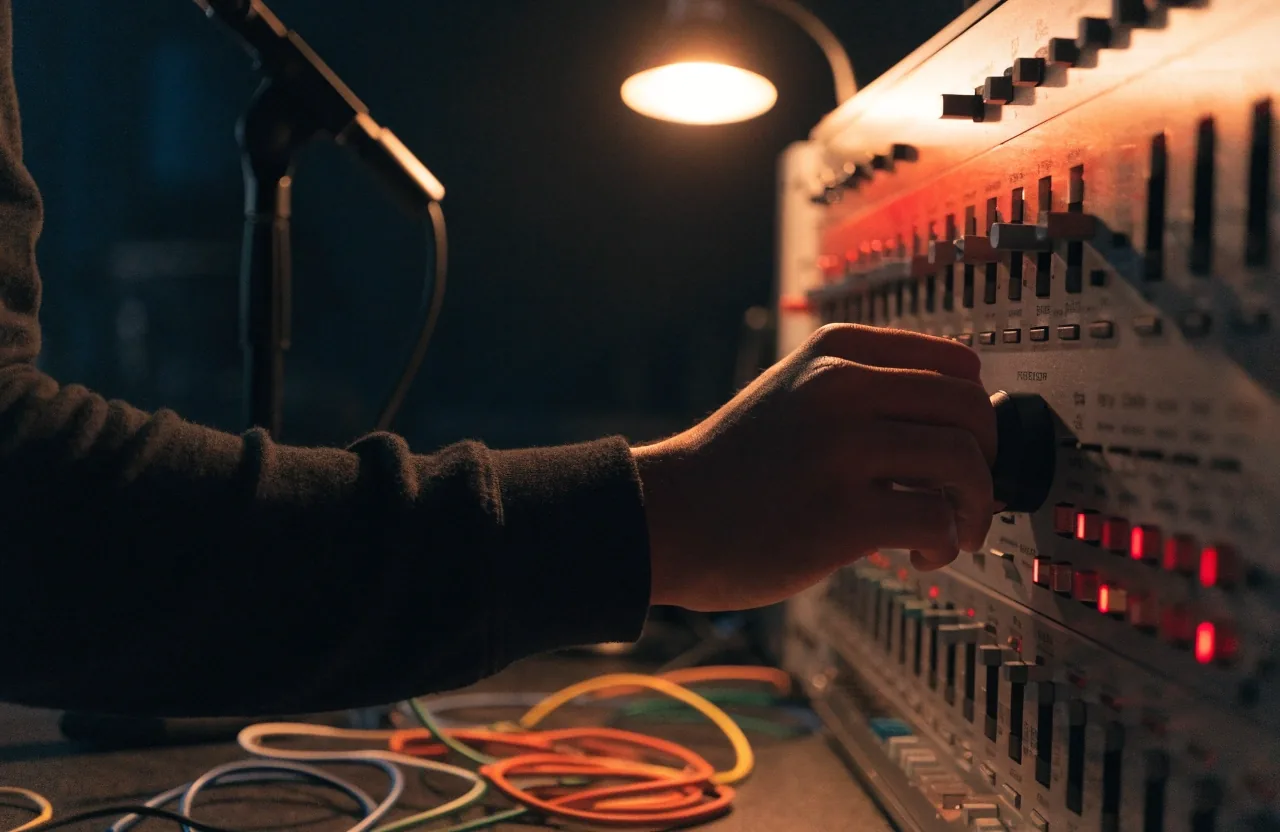
Arrangement
Getting an eight-bar idea into a full structure that holds attention from start to finish.
Synthesis
Understanding the oscillator, filter and envelope well enough to design a sound on purpose.
Sample layering
Stacking and tuning samples so a kick or a snare sits in the mix instead of fighting it.
Processing
Compression, EQ and saturation decisions explained by what they do to the sound, not by preset names.
Recording and vocal sessions
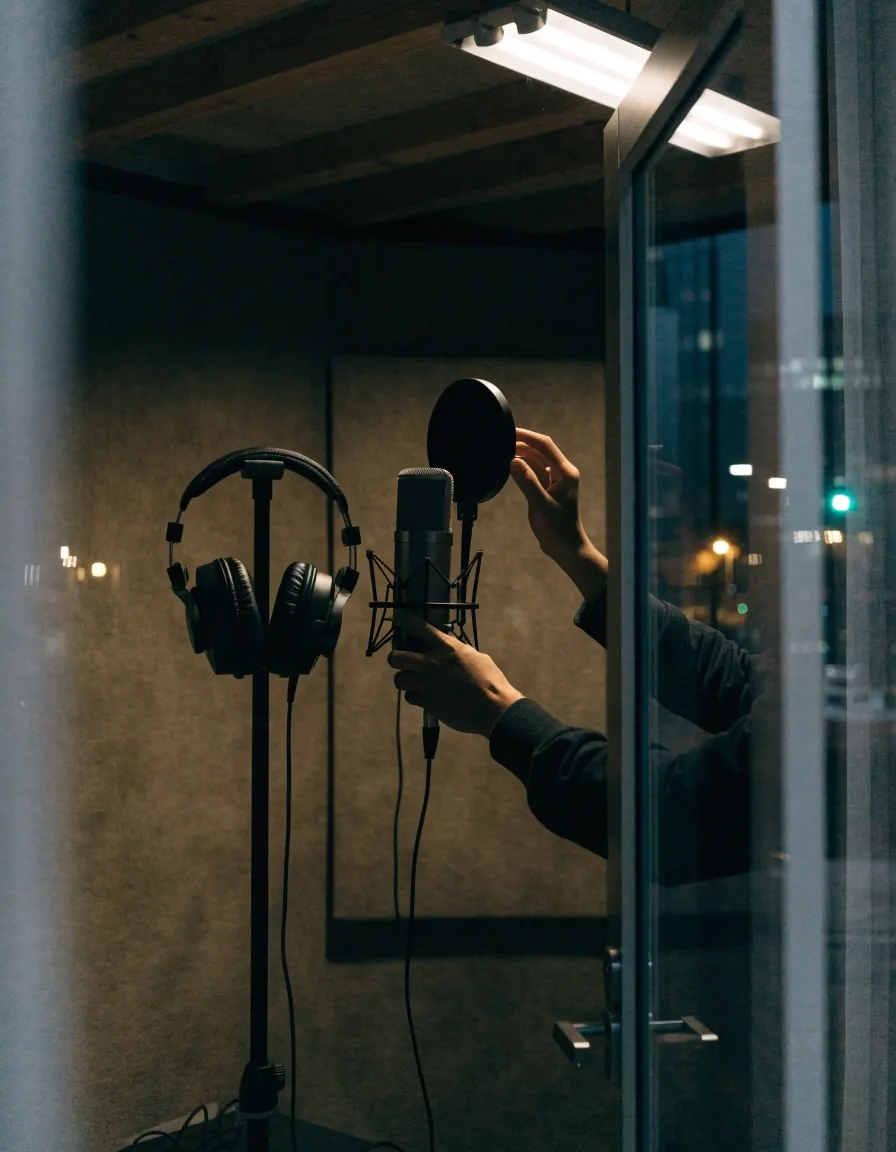
Recording slots cover vocals, instruments, and small ensembles, plus podcast and voice-over work. Book these separately from lessons. If your project spans both, say so and we will sequence them — for example, a production student tracking vocals for an edit, or a DJ recording a mixdown of a set.
Come with your material prepared as far as you can take it. Stems, a rough reference mix, or a lyric sheet all help the session start at the right place instead of spending the first half hour on setup. Sound recording slots are usually shorter than a full lesson block, so knowing what you want to capture matters more than having everything polished.
What a recording slot usually covers
What to bring for a vocal or instrument session
Booking a session without a lesson
Lesson formats
One-to-one sessions give the most direct feedback and move fastest. Small-group sessions cost less per person and add the pressure of playing in front of others, which some students find useful before a first gig.
Tell us which you prefer when you write. If you are between the two, start one-to-one for the first few weeks and move into a group once the basics are steady.
One-to-one
Undivided attention on your transitions and your library. Fastest route if you have a specific problem to solve.
Small group
A shared session with other students at the same level. More affordable per person, and you play with someone listening.
How to enroll
Check the schedule, choose a level and format, then send an enquiry with your preferred dates. We reply with availability and next steps. If you are unsure about your level, describe what you can currently do and we will place you.
-
1
Pick a track
Choose beginner DJ mixing, intermediate or advanced DJ, production and sound design, or a recording session. Each one starts from a different place, so pick the one that matches what you can already do.
-
2
Choose a format
One-to-one if you want the fastest feedback, small group if you would rather share the room and the cost. Both run in the same studio on the same equipment.
-
3
Send your preferred times
Weekday evenings and Saturday daytime fill first. Give us two or three windows that work and we will confirm what is open rather than asking you to rearrange twice.
-
4
Confirm and arrive ready
We reply with the slot, the instructor and what to bring. Headphones and a USB drive with music you actually enjoy is enough for a first DJ lesson.
Rescheduling and missed sessions
Plans change. Contact the studio as early as you can if you need to move a session, and we will find another slot where the calendar allows. The earlier you tell us, the more likely the same instructor has room that week.
Repeated no-shows are handled case by case, because a held slot is a room and an instructor that someone else could have used. If something ongoing is making your usual time difficult, say so — moving to a different evening is often simpler than cancelling.
Reach the studio on +1-416-539-9725 or by email at [email protected].
Before your first class
Bring headphones and a USB drive with a few tracks you actually enjoy. You do not need to prepare anything else. If you have a controller or software at home, mention it; it helps us match the lesson to what you practice on, so the session builds on gear you already know rather than starting over on ours.
Sessions run through the week, including evenings, and the studio sits at 1186 Queen Street West in Toronto. Weekday hours are 10:00 AM to 8:00 PM, Saturday 11:00 AM to 6:00 PM, and the studio is closed on Sunday.
Questions students ask before booking
How do I know which level to choose?
Do classes run in the evening?
Can I switch levels after starting?
How long is a typical course?
Can I book a recording session without taking lessons?
What if I have never used a mixer before?
Send your preferred slot and we will confirm
Tell us the track, the format and two or three windows that suit you. We answer with what is open, who teaches it, and what to bring. If your level is unclear, describe what you can already do and we will place you.
DJ Lane Studio
1186 Queen Street WestToronto, ON M6J 1J6
Canada
Monday to Friday: 10:00 AM – 8:00 PM
Saturday: 11:00 AM – 6:00 PM
Sunday: Closed
Full directions and the studio map are on the Contact Us page.